 OVERHUB


 OVERHUB
WORKS WITHOBS · Stream Deck · CS2 GSI · HLTV import
Live HUD, match graphics, sponsors and player cameras, run by one operator from one app.
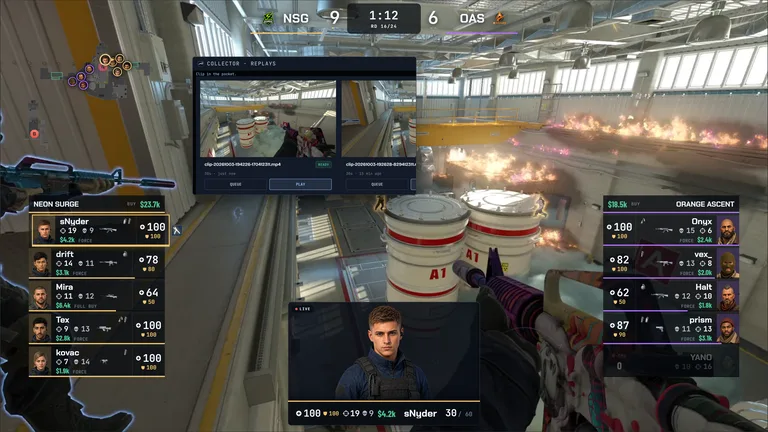
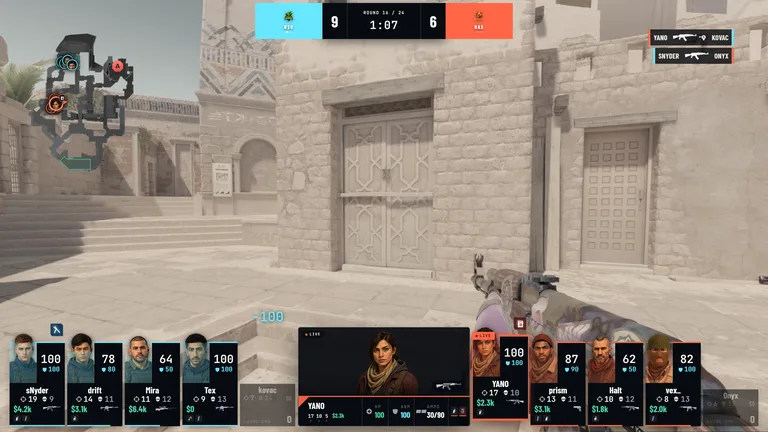
Join the DiscordPaste an HLTV link or drop in a sheet, and AI import drafts the event: teams, rosters and matches, reviewed before anything applies. From the first round the HUD reads CS2 live: score, round state, economy and kills. Titles, sponsors and player cameras ride on top, and everything reaches air through one overlay, in OBS or over the game.
01Sign in once in the browser and pick the event you are producing. The collector restores your session on its next start.
02The Windows collector detects CS2, installs or updates the GSI config and forwards the match to Overhub, its health always on screen.
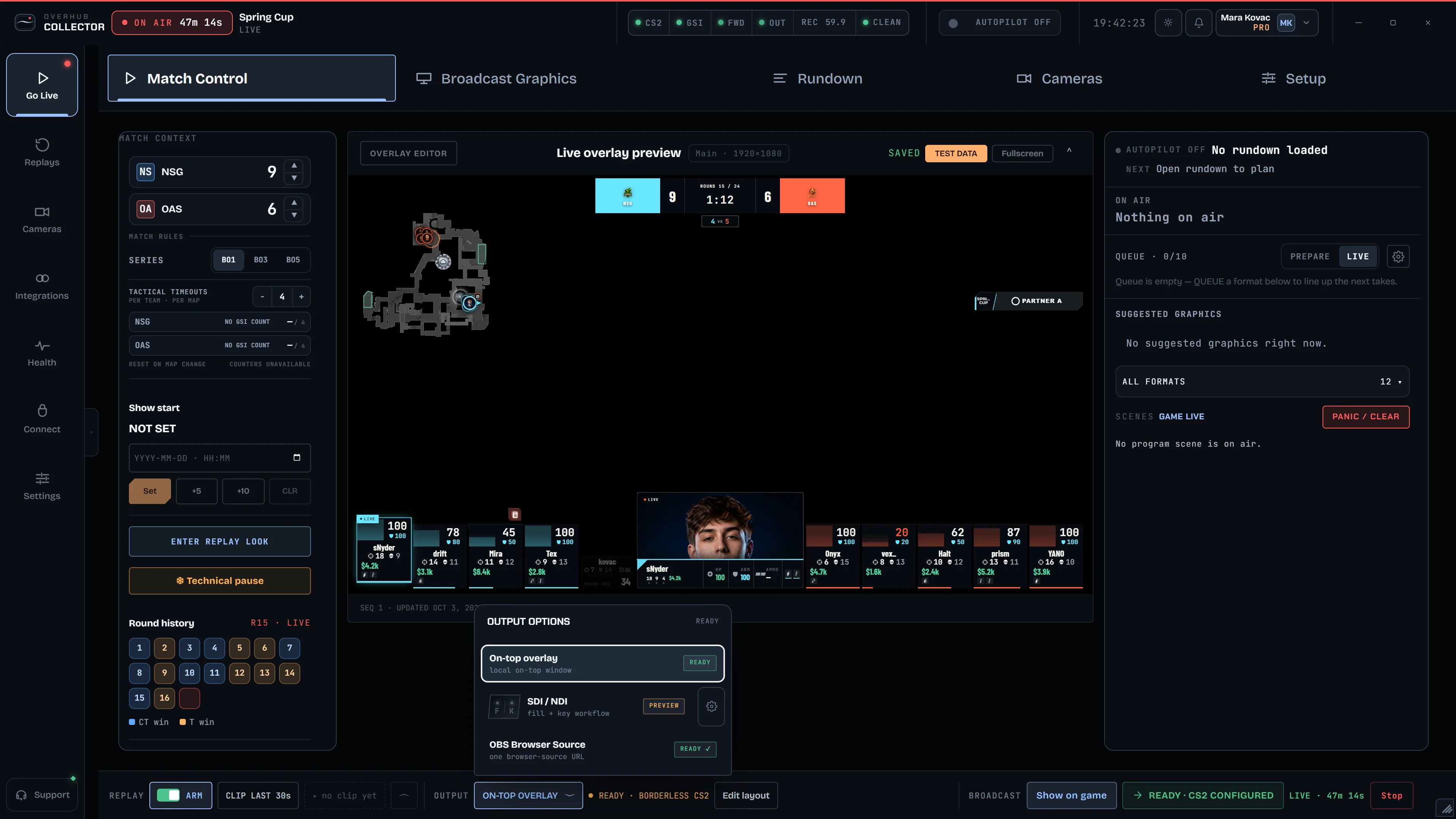
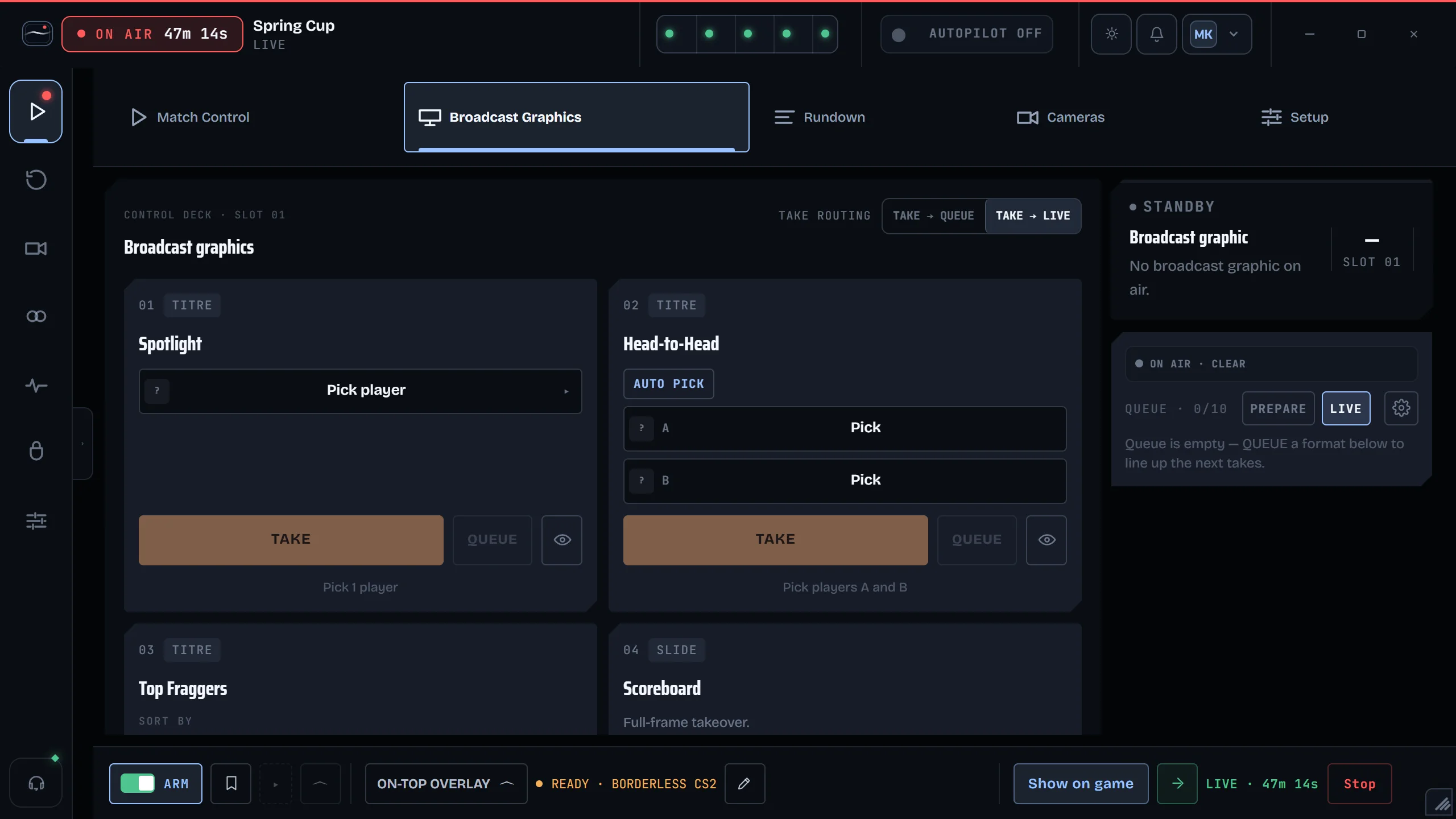
03The operator panel holds the event, the HUD, titles, sponsors and cameras. Take a graphic in one click, or let Autopilot fire it on game events.
04Add one browser-source URL to OBS, or run the overlay on top of the game. SDI / NDI fill + key is in preview.
Prepare the data, graphics and moments in one place. You choose what goes on air.

Schedule, veto, head-to-head and MVPs, in one click. Next: Autopilot on clutches and match point.
See in Features
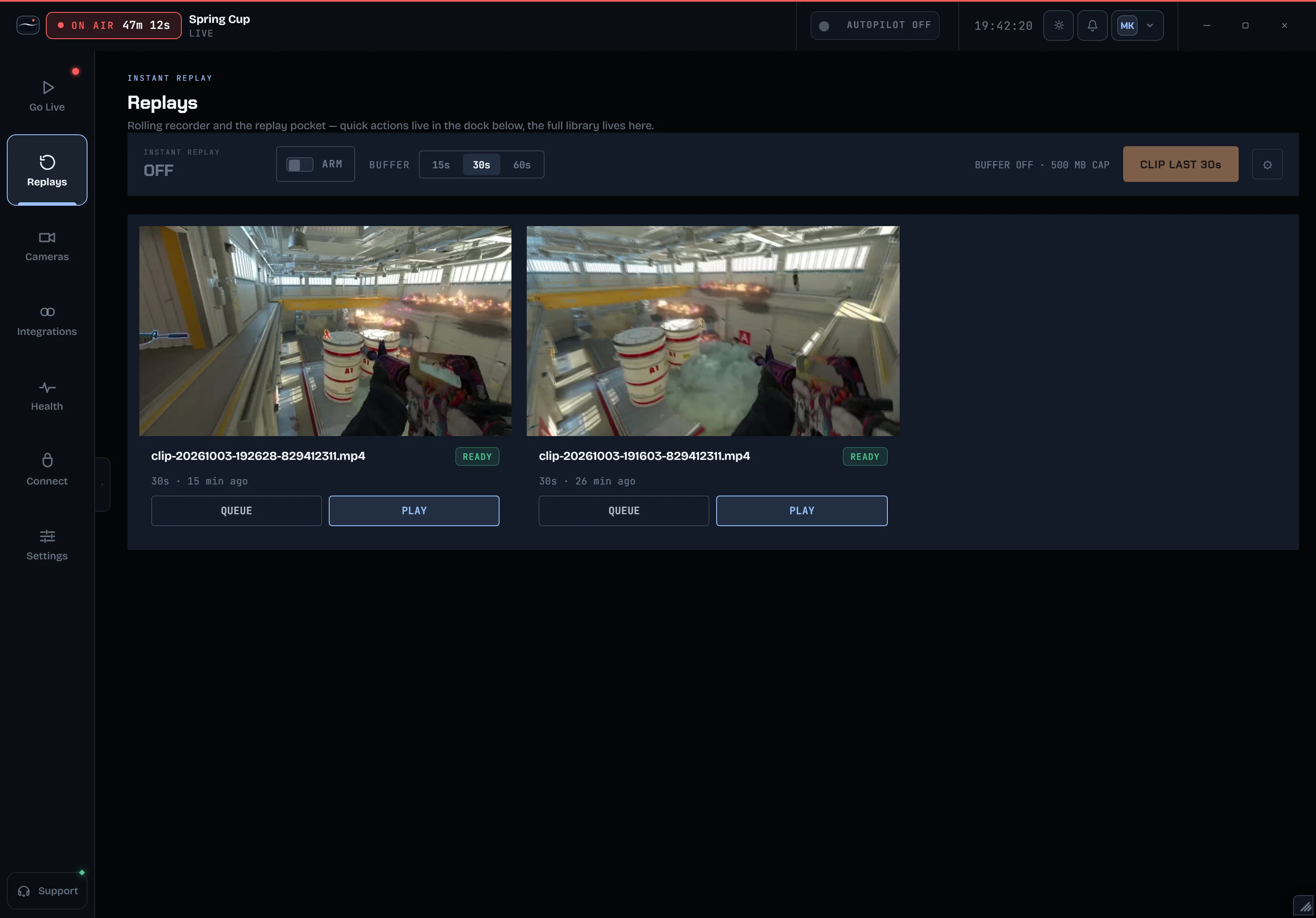
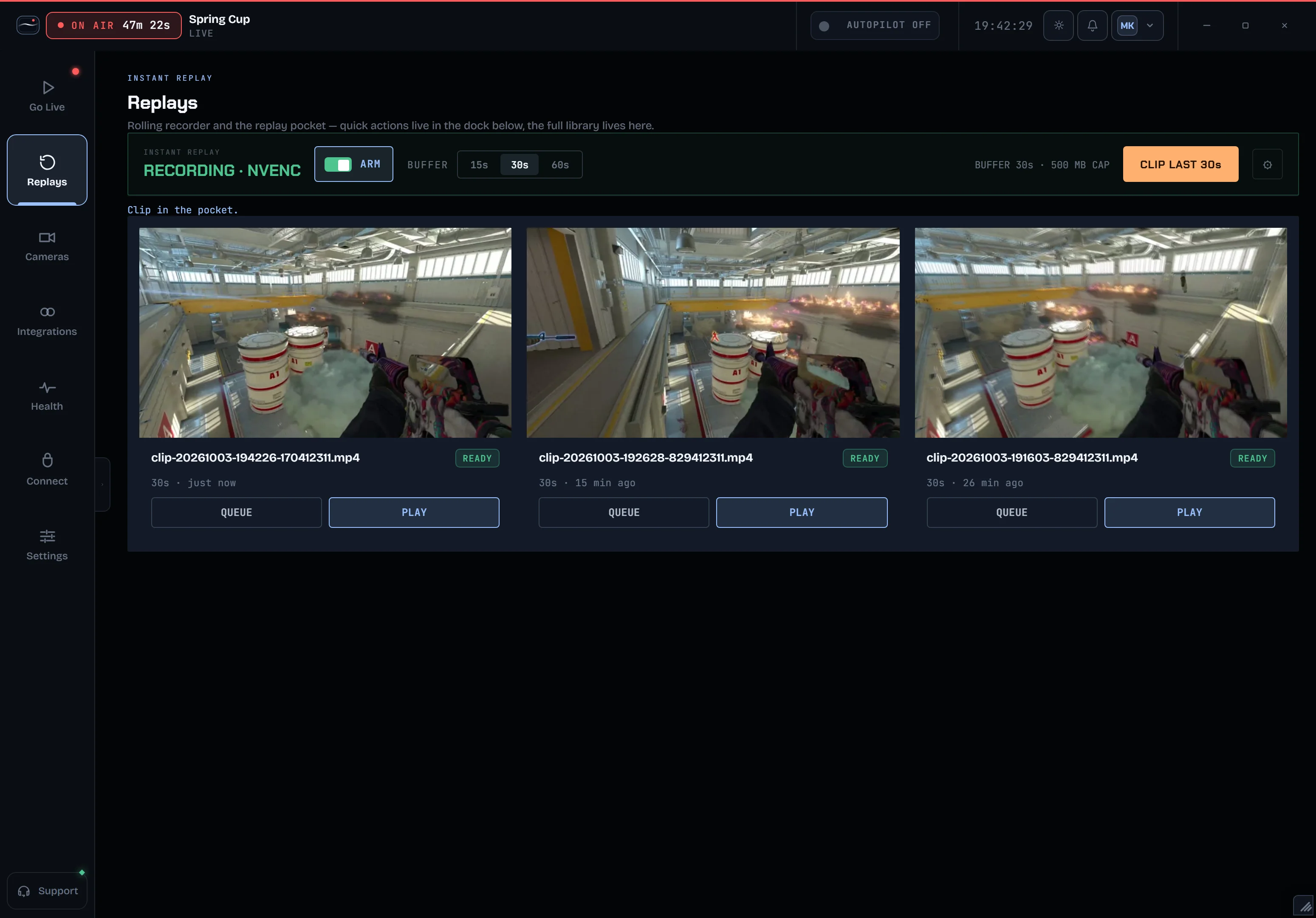
A rolling buffer: arm it, clip the last 30 seconds, play it to air. Next: highlights clipped automatically from the game feed.
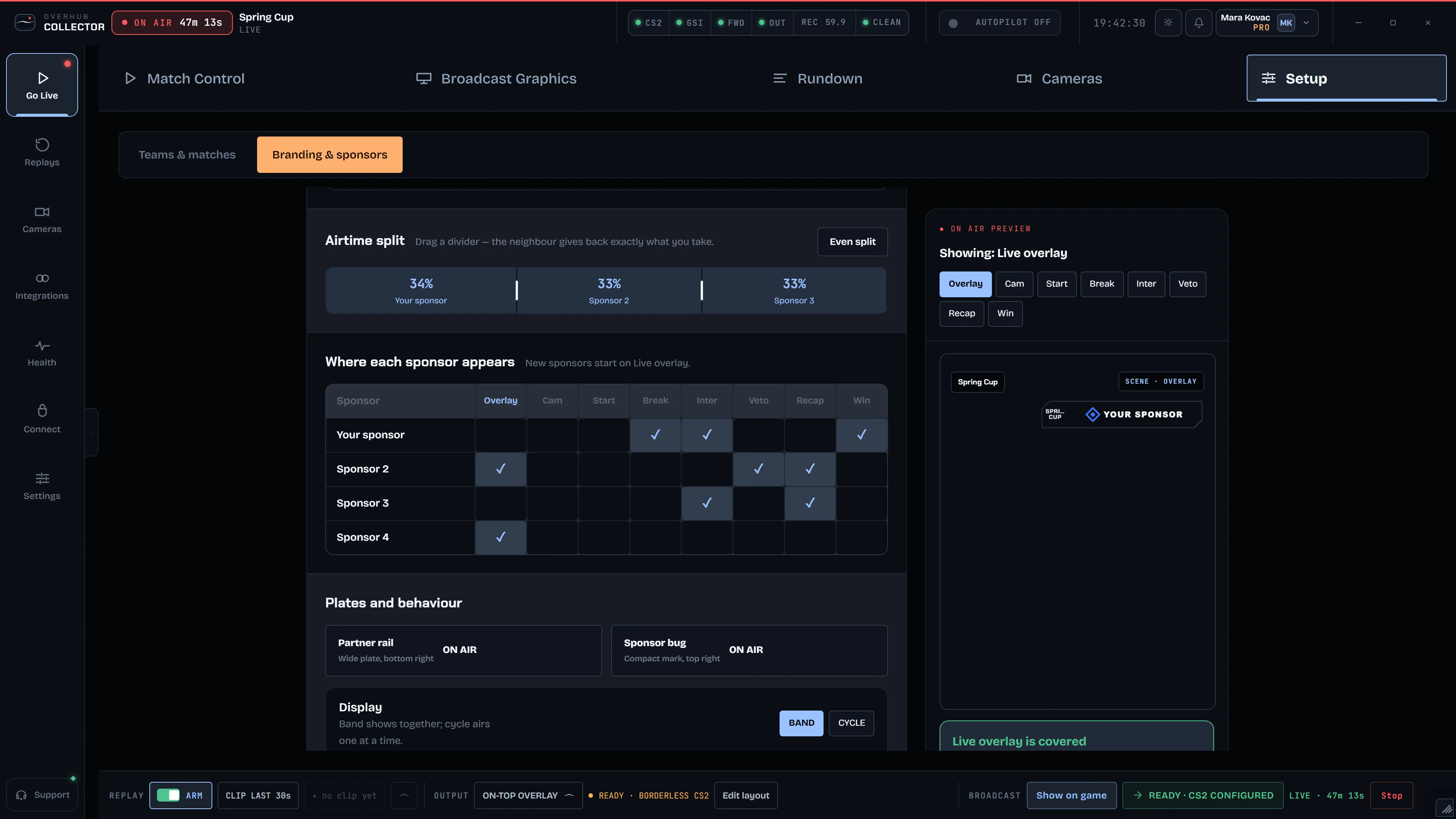
See in FeaturesEvery overlay carries your partners: eight placements, rotation and time on screen.
See it on airPick a style and the running HUD restyles live. Then the layout, your own colours, your pattern.
Pick the bomb style in the editor and the HUD follows, from the score bar to the full 3D unit.
Pick a player, press TAKE: the event's title package goes to air.
Your partners, placed throughout the broadcast. You choose where, how often and how long.
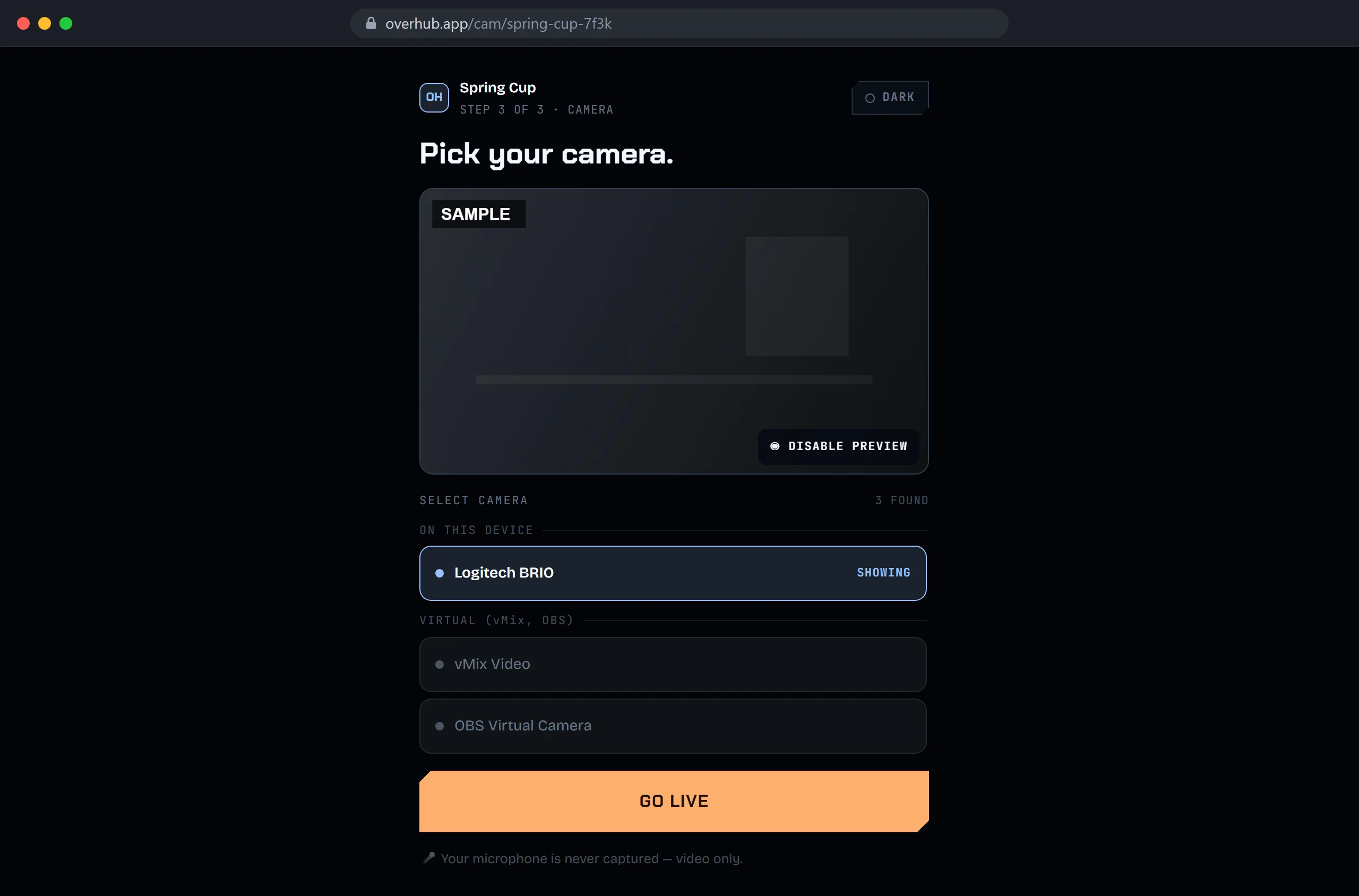
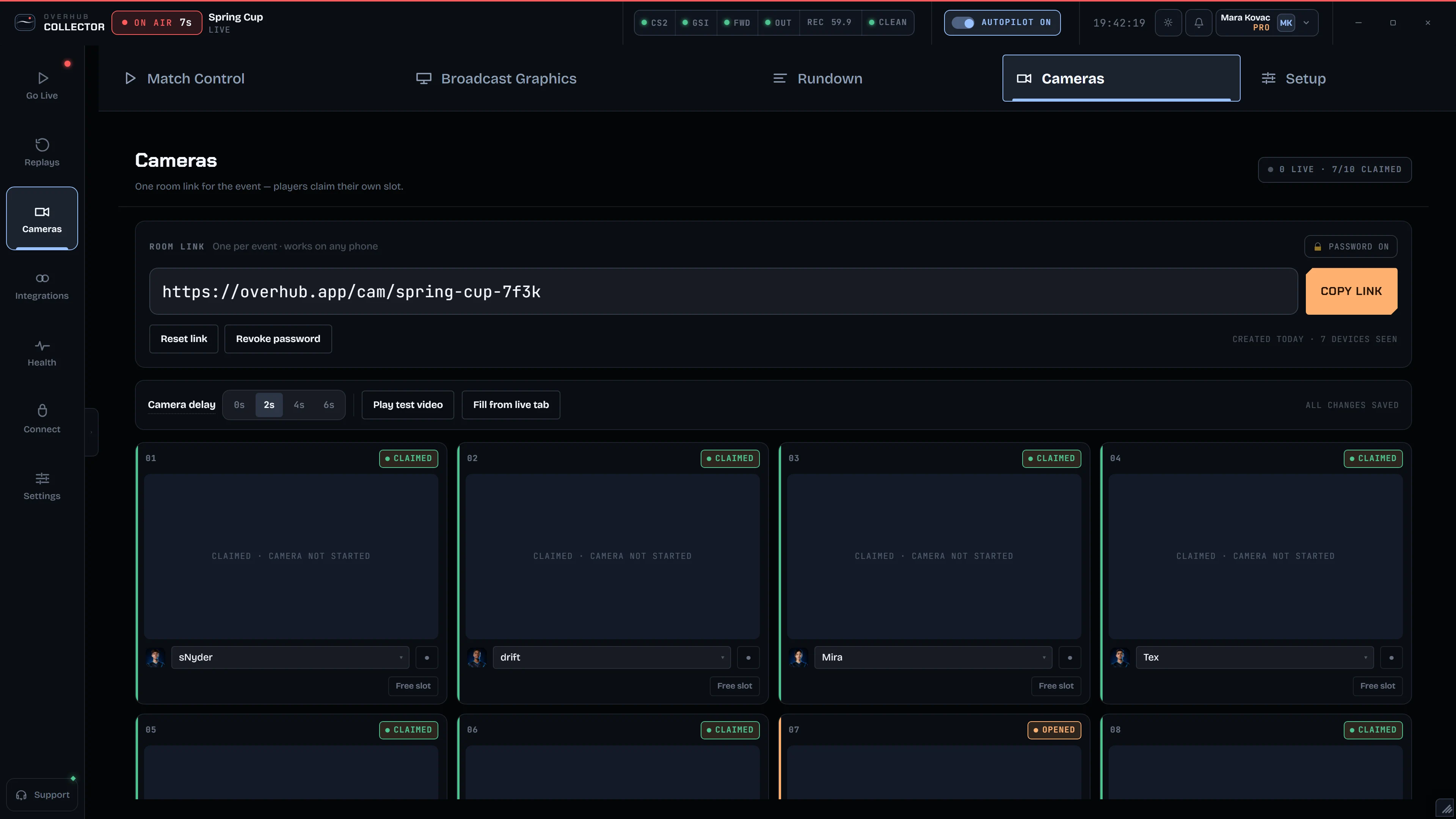
Bring players and casters into the show with a camera link.


Next: one sponsor kit, its logo, colours and fonts on every element.

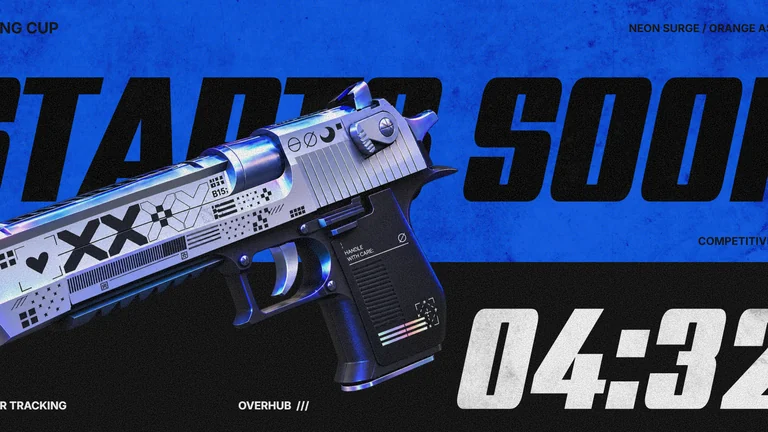
Title logos and teams are the designer's samples, not Overhub partners.
One workstation, a live HUD and titles: a produced CS2 broadcast without a crew.
StreamerA tournament weekend, a LAN or a company cup: a professional broadcast without a full production team.
DirectorLeagues and production partners: a long-term setup in your own look, built with our studio.
StudioPackages in preview.
Scope confirmed with your production.
Your own CS2 broadcast on one production workstation.
A tournament or event, run start to finish by your crew.
Your broadcast identity, season after season.
OUTPUTS & SCOPEOutputs: an on-top overlay and an OBS browser source; SDI / NDI fill + key is a preview. Automatic highlights and final support terms are confirmed with your production.
CUSTOM DESIGNOur studio builds HUD and title packages for your event, on direct contact.
Explore all packagesTell us the event and the date. We'll come back with a plan.
Cookie Preferences
Overhub runs on strictly necessary cookies only. Optional categories are off by default and are reserved for the future — nothing in them is active yet. Details in our Privacy Policy.
NecessaryAlways on
Keeps you signed in and secures the app — session, CSRF, sign-in and bot-check cookies. The app can't work without these.
AnalyticsOff
Would help us understand how the product is used so we can improve it. No analytics cookies are active yet.
MarketingOff
Would support campaigns and attribution. No marketing cookies are active yet.